
Skylar is now a ChatGPT app
Ask ChatGPT how your team is practicing this week, spot where reps need support, and launch the right practice in one click—Skylar answers with live widgets, right in the chat.
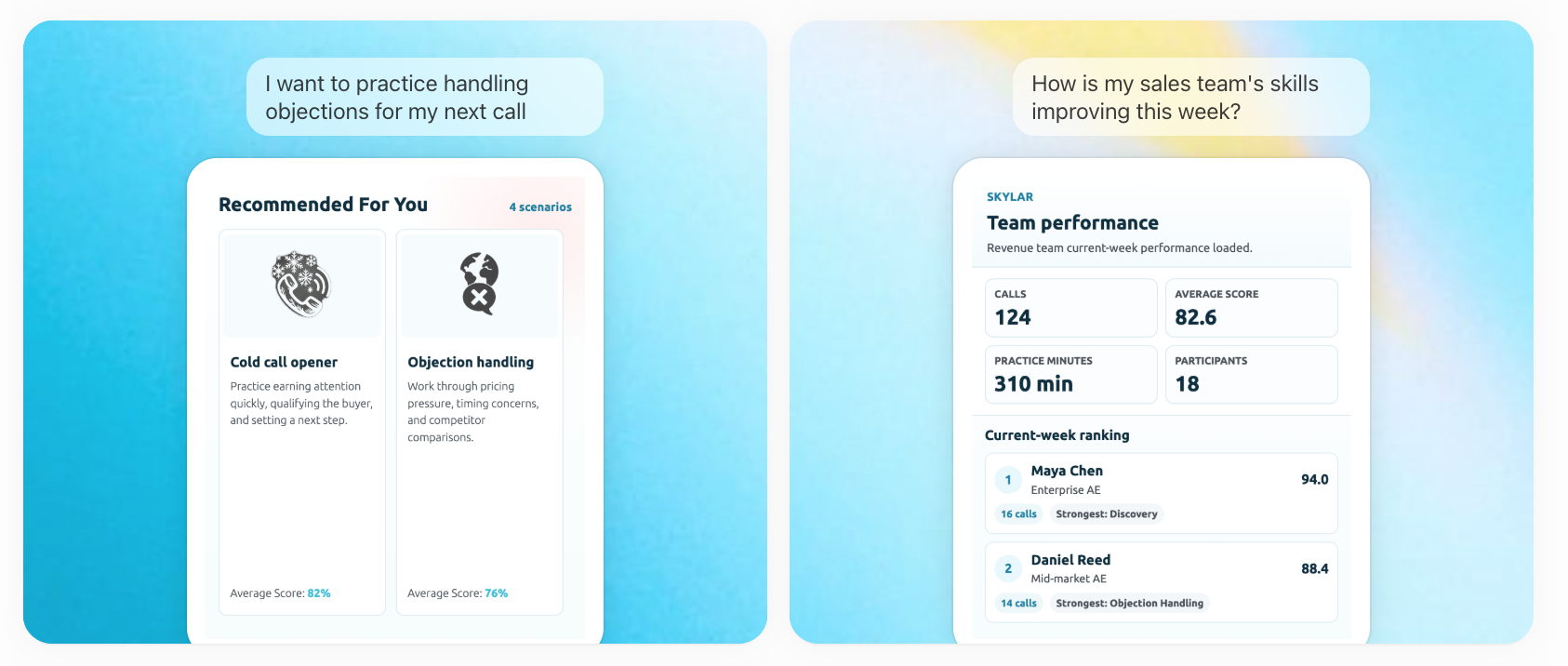
Skylar is now available as a ChatGPT app.
You already live in ChatGPT. Now your team’s sales practice does too. Ask how the team is doing this week, see where reps are getting stuck, and launch the right practice to fix it. The answers come back as compact Skylar widgets, right inside the conversation.
What you can do inside ChatGPT
- Check how the team is improving. Ask “How is my sales team’s skills improving this week?” and Skylar returns current-week practice performance—practice calls, average score, estimated practice minutes, and how members rank.
- Understand your team setup. See team structure at a glance: active members, role mix, and how your teams are configured.
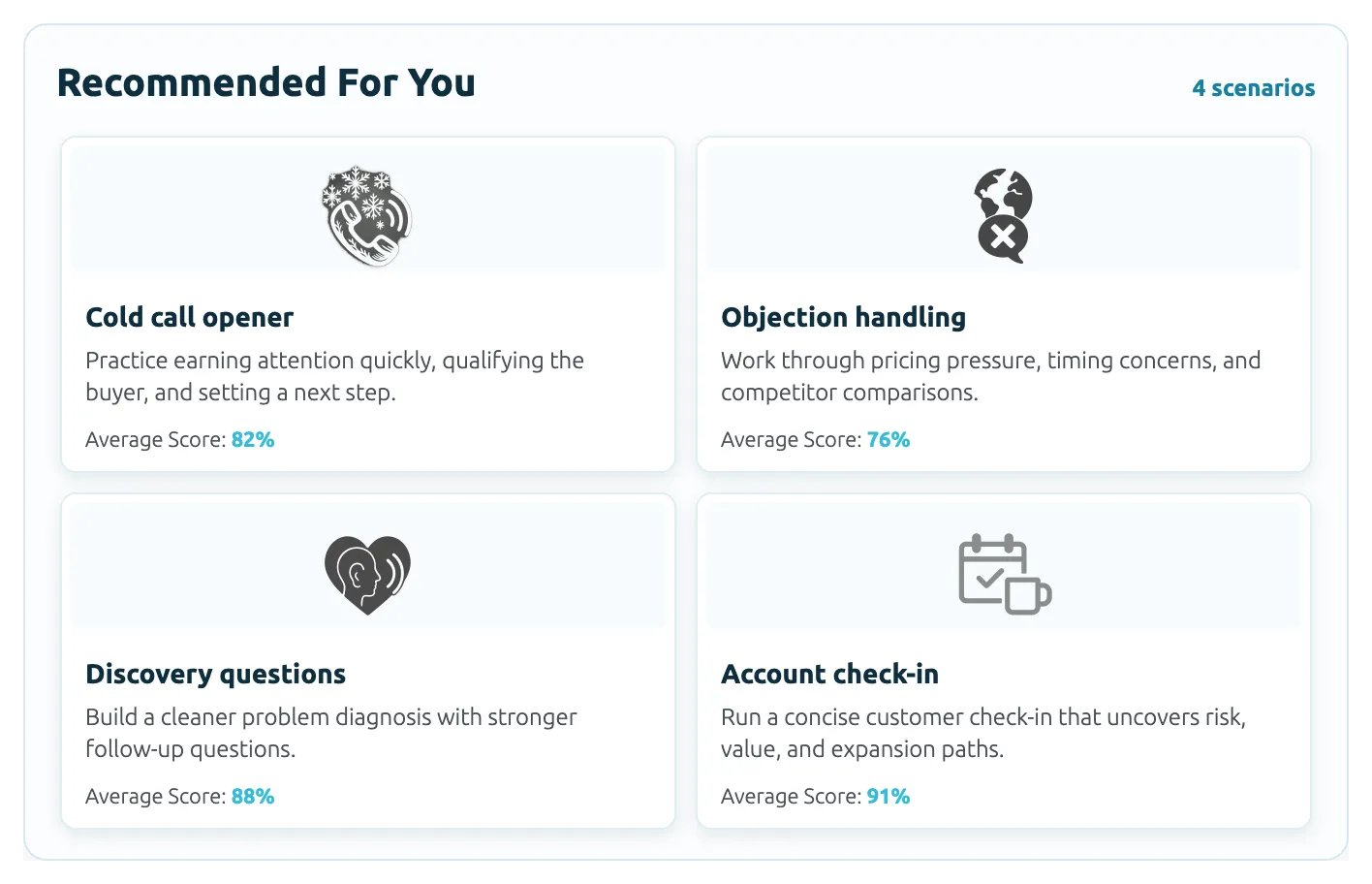
- Pick your next practice. Say “I want to practice handling objections for my next call” and Skylar shows practice scenarios—discovery, objection handling, and more—that you launch in Skylar with one click.
- Stay in the flow. Results render as interactive Skylar widgets, so you get the picture without copying data between tools.
Why it matters
Coaching data is most useful when it shapes the next action. Bringing Skylar into ChatGPT means a manager can check the week, spot the rep who needs help, and kick off the right practice in the same place they’re already thinking and writing.
How to connect
Sign in with your existing Skylar account, and your workspace admin enables the integration for the team. You only see the workspace you’re allowed to access. Under the hood, it runs on authenticated OAuth and Skylar’s MCP server.