
Skylar MCP Server connects AI clients to sales coaching context
Skylar now provides an authenticated MCP server so supported AI clients can understand team setup, review practice performance, and recommend roleplay scenarios.
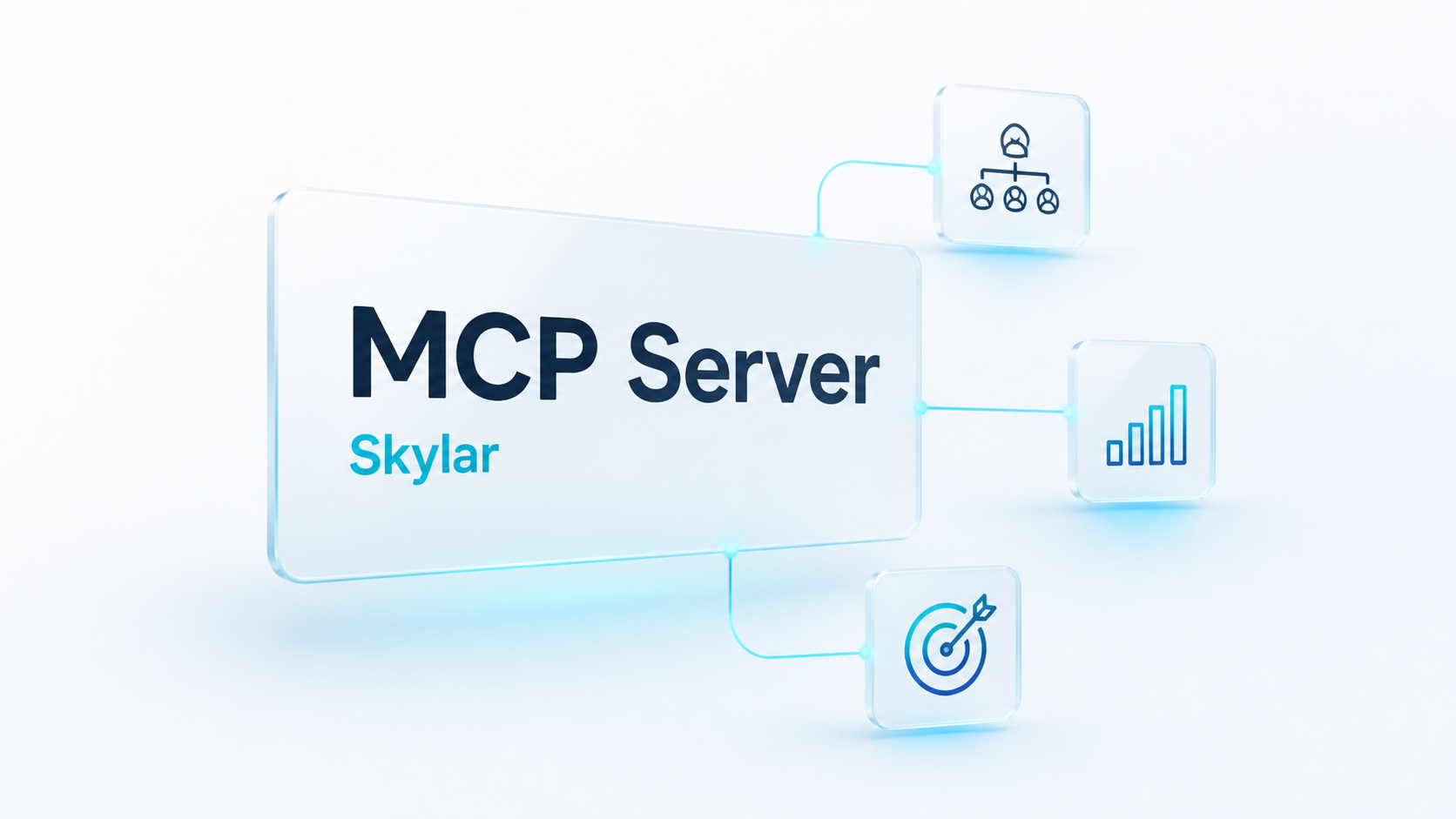
Skylar now has an MCP server for connecting supported AI clients to Skylar sales coaching context.
That means an authenticated AI client can understand how a Skylar workspace is set up, summarize current practice performance, and recommend useful roleplay scenarios without asking a manager to manually copy data between systems.
What the MCP server supports today
- Look up team structure, including active member counts, role mix, and configured teams.
- Summarize current-week practice performance, including total practice calls, average score, estimated practice minutes, and a limited ranked list of team members.
- Show recommended Skylar practice scenarios that users can launch when they want discovery practice, objection handling, or another targeted sales roleplay.
- Render compact Skylar widgets for team structure, team performance, and practice scenario recommendations.
- Connect through authenticated OAuth and streamable HTTP MCP transport.
Why it matters
Sales coaching data is most useful when it can shape the next coaching action.
With Skylar’s MCP server, AI clients can work with Skylar context instead of staying generic. A manager can ask how practice is going this week. A coach can see which teams may need attention. A rep can get a relevant practice scenario faster.
The goal is simple: make Skylar easier to use from the AI tools where teams are already working.
How access works
The MCP server runs at Skylar’s app domain and requires OAuth authentication.
Tool results are scoped to the Skylar workspace the authenticated user is allowed to access. The public documentation describes connection details, tools, resources, and schemas, but it does not expose customer data.
Availability
The Skylar MCP server is available for supported MCP clients and authenticated Skylar users.
Teams can review the public MCP Server Docs to see the connection metadata, available tools, resources, and current schemas.